Loading 3D models...
My Unedited Scan - Tutorial
by nebulousflynn
770,276
Faces
385,194
Vertices
0
Textures
Free
Download
Description
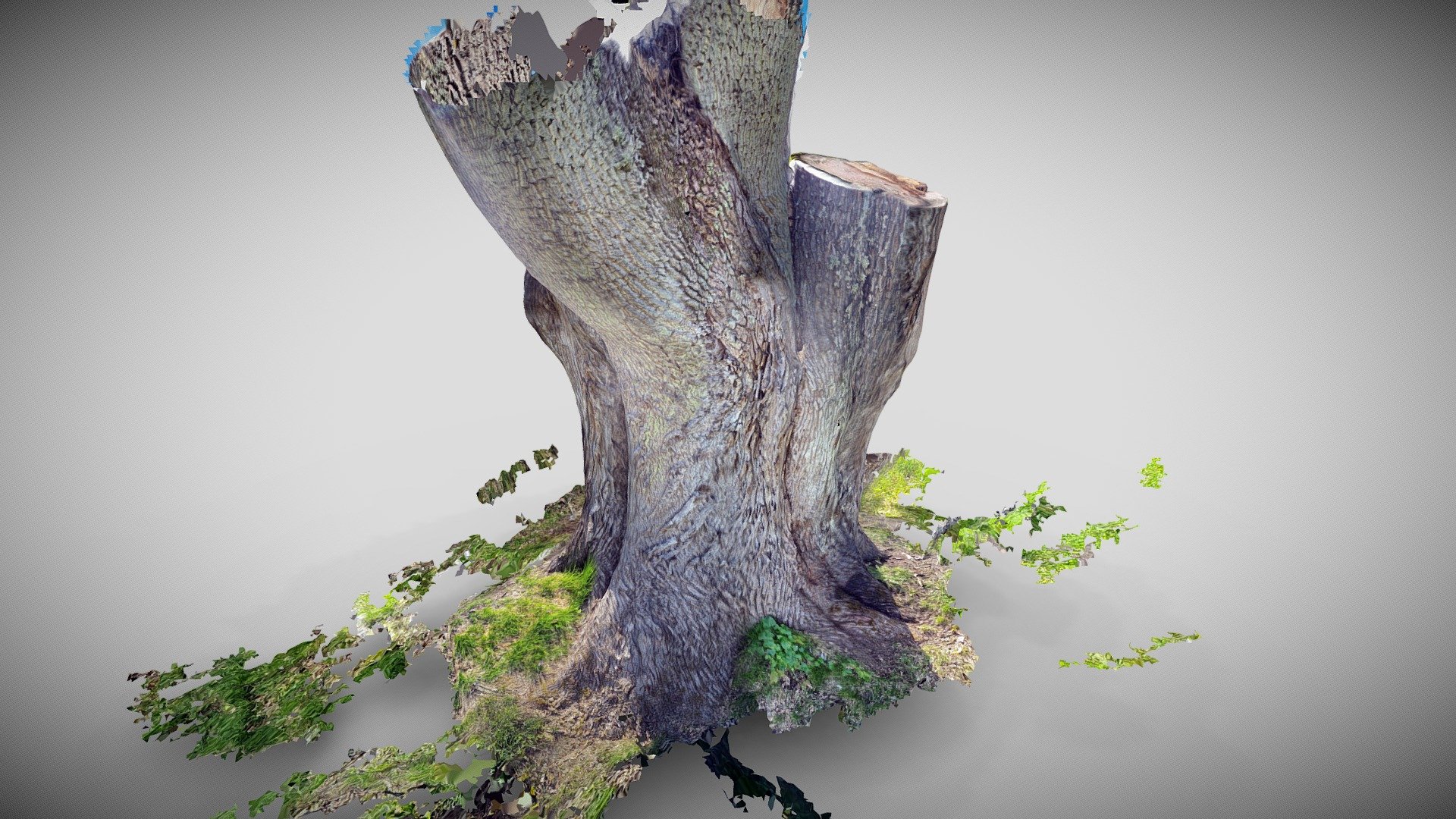
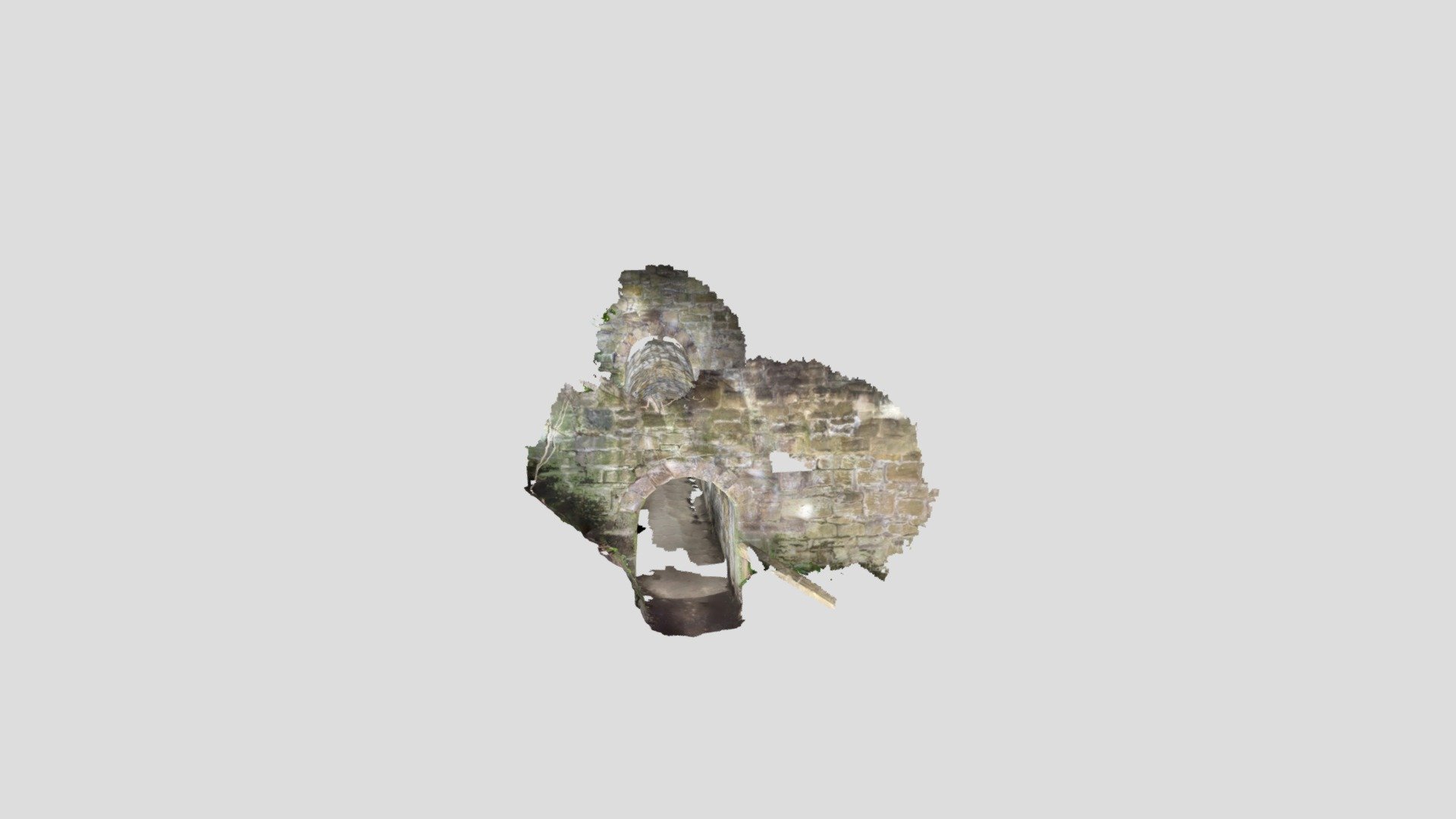
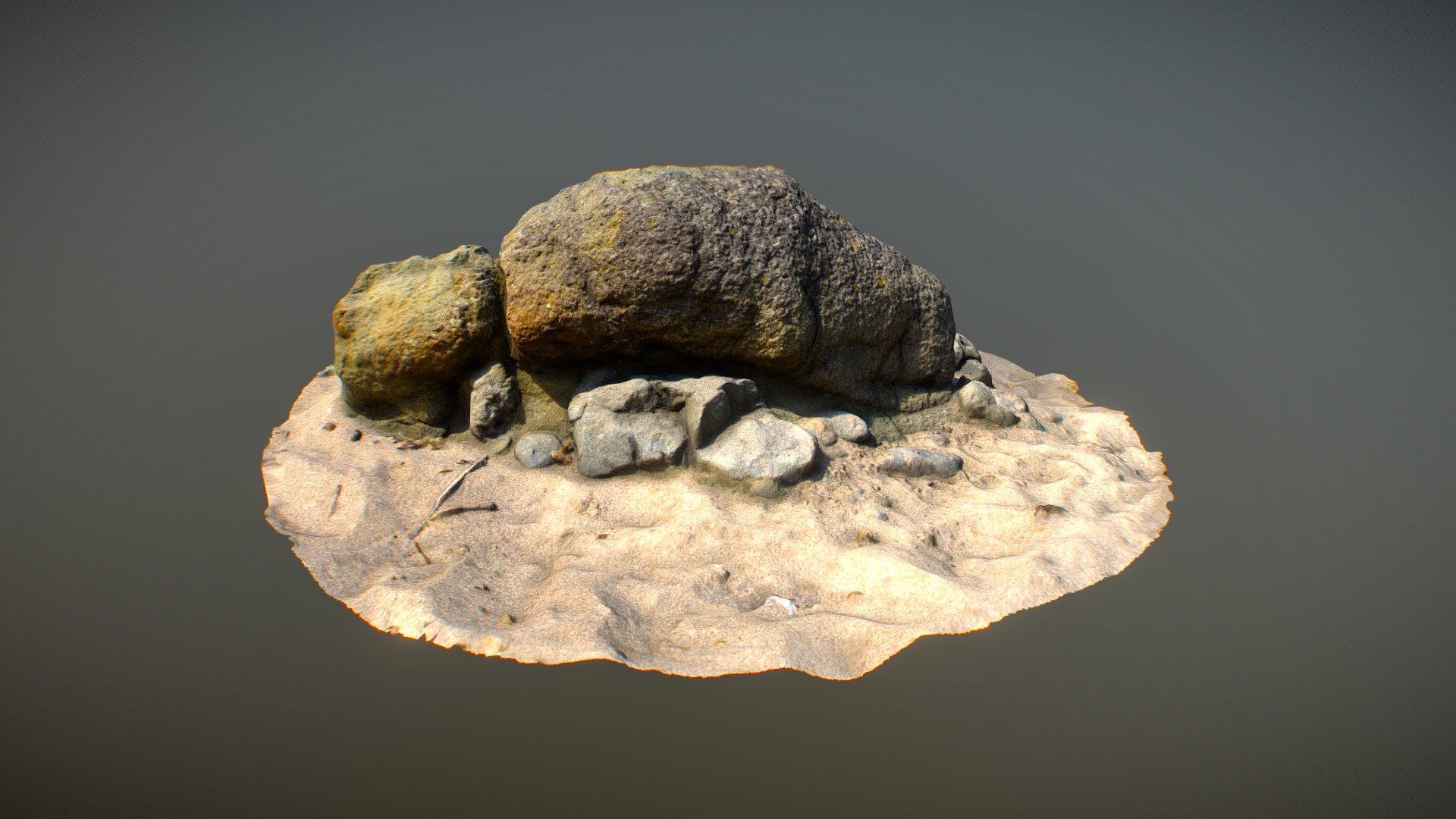
This model illustrates a tutorial article on the Sketchfab Blog: *[Cleaning up a 3D Scan in Blender](https://sketchfab.com/blogs/community/cleaning-up-a-3d-scan-in-blender/)*. Including both video and step-by-step guides which show you how to: * Download your 3D scan from Sketchfab into Blender * Merge your scan’s geometry * Center and orient your scan * Delete floating geometry * Crop using the Bisect tool * Crop using the Boolean Modifier * Minimize bumps with the Smooth Modifier * Fill texture gaps with the Clone Tool * Export your model to Sketchfab